SOeasy - Centralized Scriptable Objects Manager
A downloadable tool
SOeasy
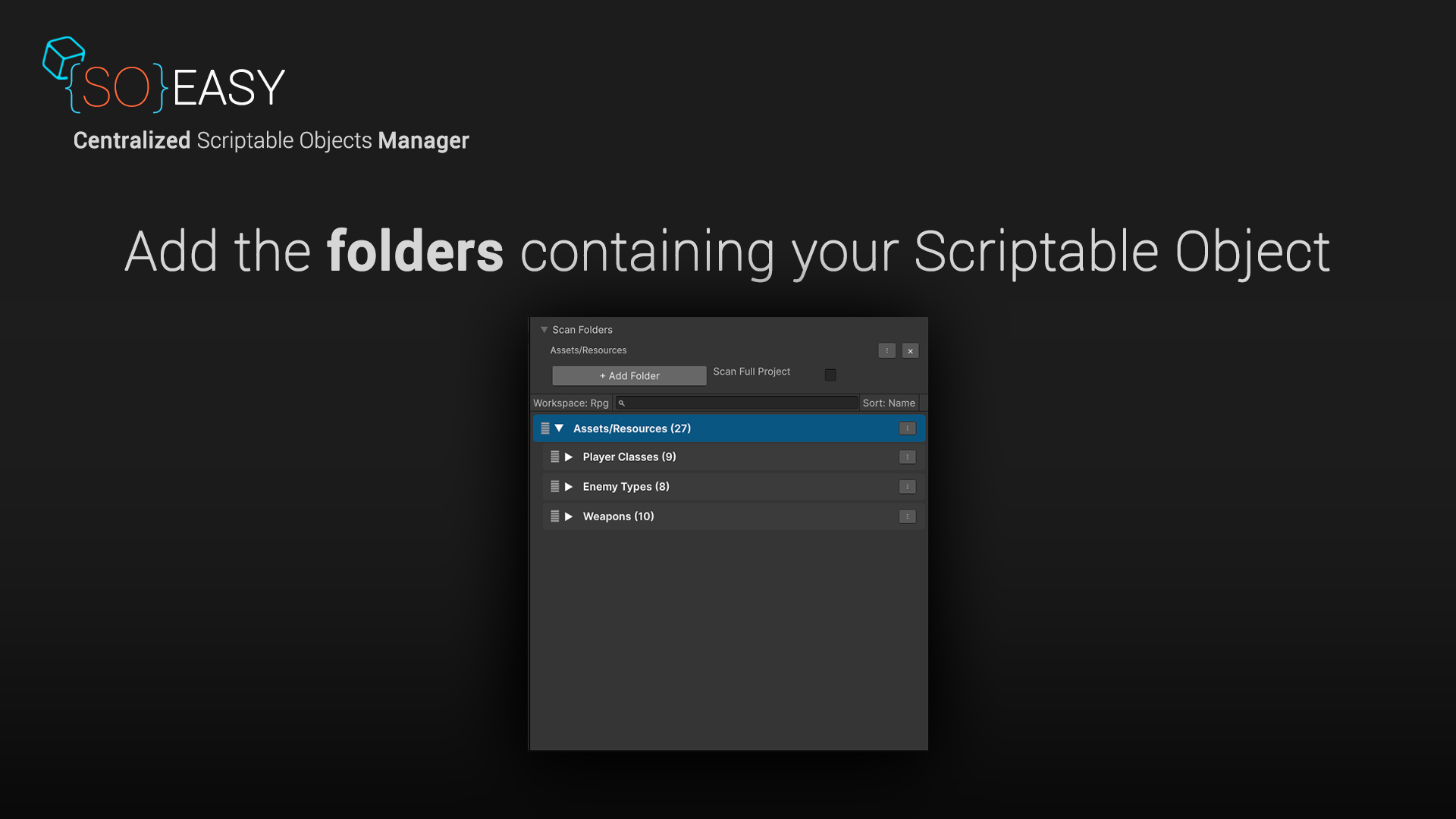
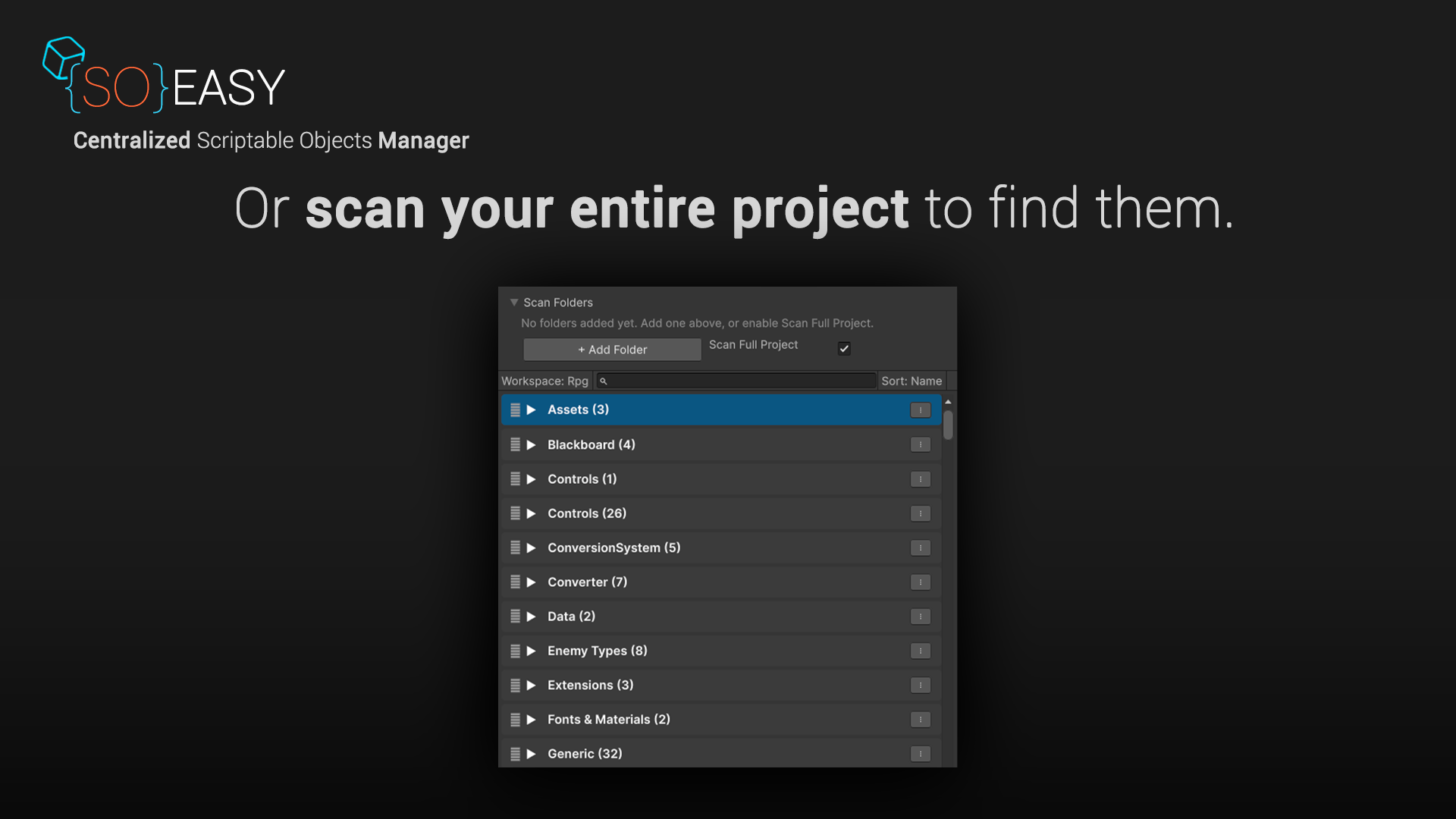
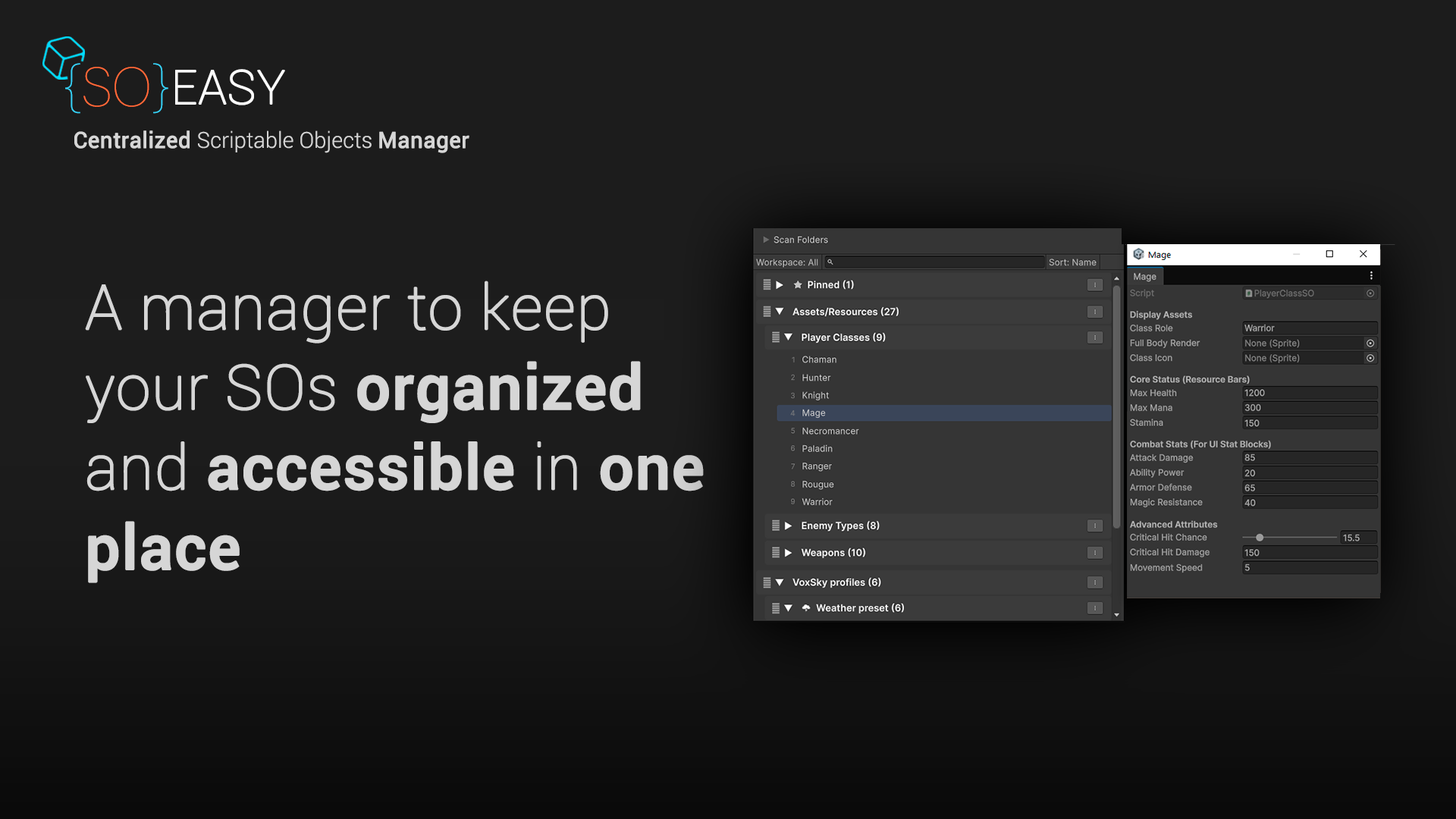
SOeasy is a ScriptableObject manager for Unity that automatically scans your project, organizes everything by folder, and gives you one place to browse, search, and edit all your ScriptableObjects.
No setup, no configuration. Just open SOeasy and your ScriptableObjects are already organized and ready to browse.
Click on any ScriptableObject and it opens right next to your selection in a floating inspector. It's built on Unity's own Inspector underneath, so custom editors, enums, object fields, and every other field type behave exactly as you'd expect.
Move through your whole collection with the arrow keys, create new instances in a single click, rename or delete safely, and select multiple objects at once for bulk actions. SOeasy already knows every ScriptableObject class in your project, organized by inheritance.
Whether you're working on a small project or a large production with hundreds of ScriptableObjects, SOeasy gives you a faster and more organized way to manage them without changing how Unity works.
Have questions? Check this before using SOeasy.
Features
✅ Auto-Organized Browsing – Point it at a folder or your whole project, and everything automatically shows up grouped and ready to browse.
✅ Floating Inspector – Edit any ScriptableObject in place with Unity's real Inspector, so custom editors and every field type just work.
✅ Create, Rename & Delete – The create menu already knows every ScriptableObject class in your project. Deletes go to your OS trash instead of being permanently removed.
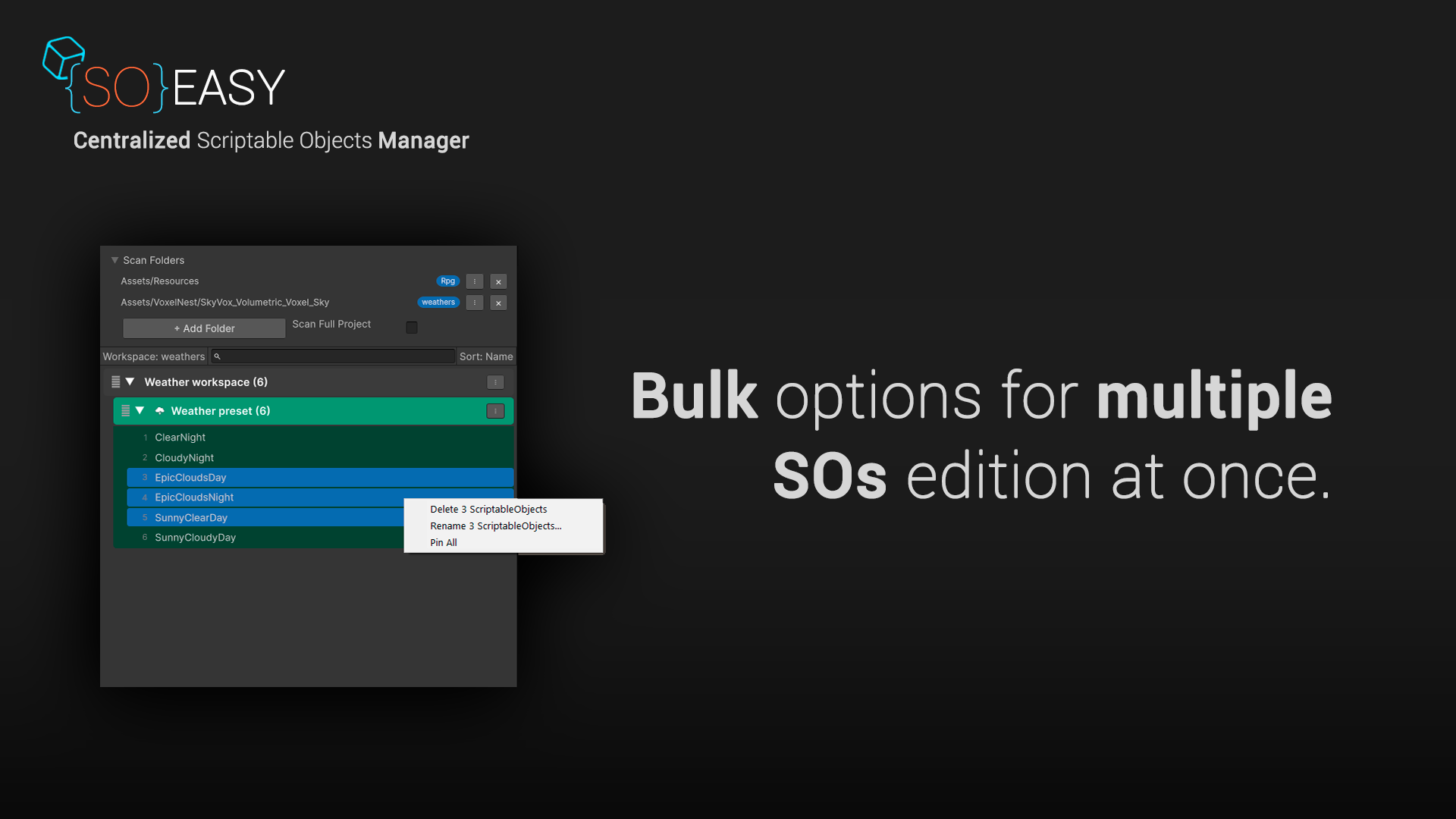
✅ Multi-Select & Bulk Actions – Shift or Ctrl-click to select several ScriptableObjects at once, then rename or delete them together.
✅ Keyboard Navigation – Use the arrow keys and Enter to move through your whole project without touching the mouse.
✅ Drag-to-Reorder Groups – Arrange your folders however makes sense to you. SOeasy remembers the order.
Pro Features (NOT INCLUDED IN FREE VERSION)
✅ Pin – Keep the ScriptableObjects you use constantly pinned at the top, no matter what folder you're working in.
✅ Group Colors & Icons – Color-code groups with Unity's native color picker or give them a custom icon.
✅ Workspaces – Set up named, focused views for just the folders you're working with.
✅ Find References – Instantly see every asset that points to a given ScriptableObject using an automatically built dependency index.
PURCHASE
This asset is licensed on a per-seat basis, so it must be purchased directly from the official Unity Asset Store. Please make sure to obtain a valid license for each user who will be using the asset.
If SOeasy helps your workflow, please consider leaving a rating or review — it really helps support future development. Thank you!
Category: Tools
Type: Editor Extension (Editor-only — no runtime component, safe to leave in builds)
C# scripts: Core scanning/grouping system and editor UI
Dependencies: None — no third-party packages required
Setup: No configuration required; point at a folder and it works
Supported Unity Versions: Unity 6 (6000.0+)
Platforms: Editor-only. Works in any project regardless of build target, including PC, Mac, Linux, mobile, console, and WebGL.
Documentation
Download
Click download now to get access to the following files:
Leave a comment
Log in with itch.io to leave a comment.